
Drug Interaction Risk Simulator
Select Medications to Check
Choose two or more substances from the list below to simulate a database check.
Select medications above to see potential interaction risks.
Picture this: you’re about to swallow your morning coffee, a multivitamin, and two prescription pills. It feels routine. But what if that multivitamin cancels out the effect of one of those prescriptions? Or worse, turns it into a health hazard? This isn’t just a hypothetical nightmare; it’s a daily reality for millions of people managing complex medication regimens. With nearly half of Americans taking at least one prescription drug, the risk of mixing things up-or mixing them dangerously-is real.
This is where drug interaction checkers come in. These digital tools are your first line of defense against adverse events, acting as a safety net between your pharmacy bag and your body. They don’t replace your doctor, but they do give you the power to ask the right questions before you take that next pill. In this guide, we’ll walk through exactly how to use these tools, which ones actually work, and how to avoid the common pitfalls that make people ignore vital warnings.
What Exactly Is a Drug Interaction Checker?
A drug interaction checker is a specialized software tool designed to identify potential adverse reactions when medications, supplements, or foods are taken together. Think of it as a compatibility test for your chemistry set. When you input two or more substances, the system cross-references a massive database of pharmacological data to see if they clash.
These clashes, known as Drug-Drug Interactions (DDIs), can lead to three main problems:
- Treatment Failure: One drug blocks the other from working, rendering it useless.
- Toxicity: One drug slows down the breakdown of another, causing dangerous levels to build up in your blood.
- Adverse Side Effects: The combination creates new symptoms like dizziness, bleeding, or heart rhythm issues.
The technology has evolved significantly since the late 1990s. Early versions were clunky parts of electronic health records. Today, platforms like Micromedex and consumer apps like Medisafe offer instant, accessible screening. According to data from the Agency for Healthcare Research and Quality (AHRQ), clinical decision support systems prevent an estimated 1.5 million adverse drug events annually in US hospitals alone. That’s a lot of avoided emergencies.
Step-by-Step: How to Use a Consumer App (Like Medisafe)
If you’re not a doctor with access to hospital-grade software, you likely need a consumer-friendly app. Let’s look at Medisafe, one of the most popular options available on iOS devices. The process is straightforward, but precision matters.
- Open the App and Locate the Tool: Tap on 'More' in the main menu, then select 'Interactions Checker'. You don’t need to add drugs to your daily schedule yet; this feature works independently.
- Input Your Medications: Type the name of your first medication. Be specific. If you have 'Lisinopril 10mg', type 'Lisinopril'. The app will often suggest matches from its database or your existing 'Med Cabinet'. Select the correct match from the dropdown list.
- Add Additional Substances: Repeat the process for every drug, supplement, or even food item you want to check. Most systems require a minimum of two entries to run an analysis. Don’t forget over-the-counter painkillers or herbal supplements like St. John’s Wort-they interact just as much as prescriptions.
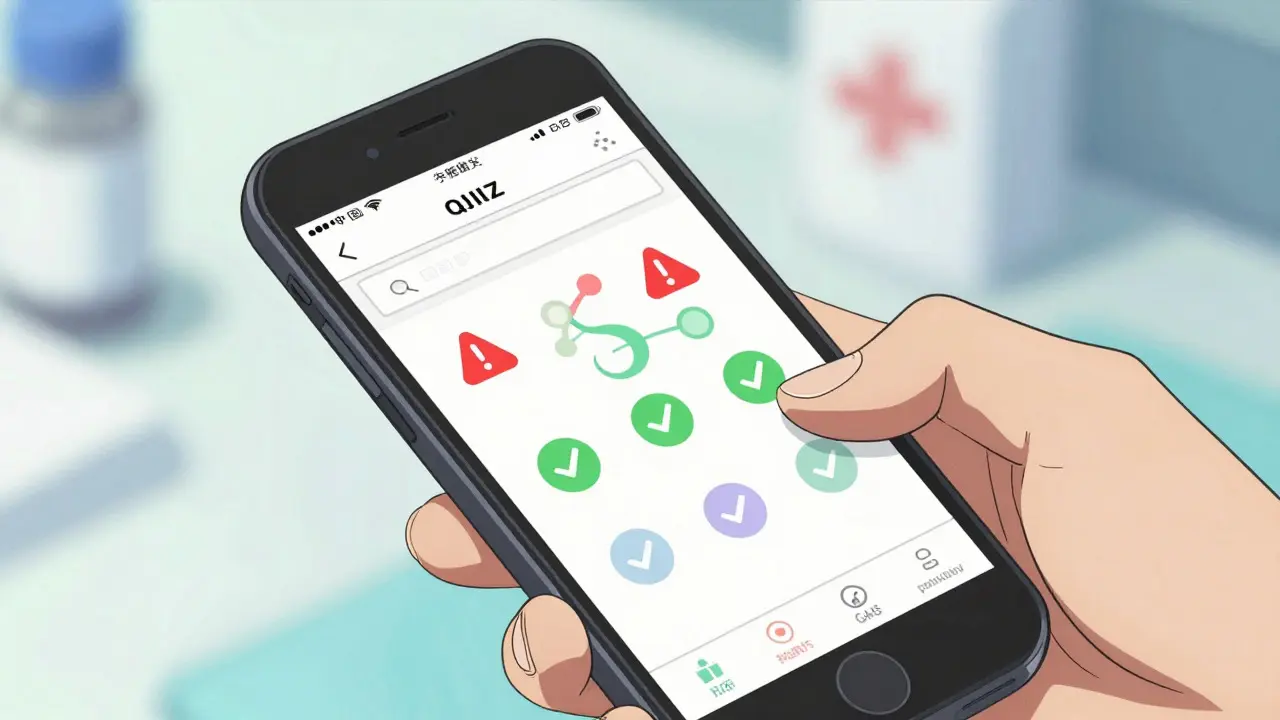
- Review the Results: The app will generate a report. Look for color-coded alerts. Red usually means 'contraindicated' (do not mix), orange means 'monitor closely', and green means 'no known interaction'.
- Read the Details: Tap on the information icons next to each alert. This explains why the interaction happens. For example, it might say "Warfarin and Ibuprofen increase bleeding risk." Understanding the mechanism helps you discuss it intelligently with your pharmacist.
- Take Action: If you see a red flag, do not panic. Do not stop taking prescribed medication without consulting your provider. Instead, note the interaction and call your pharmacy or doctor’s office immediately.
Users report that this simple six-step process has caught dangerous combos, such as the warfarin-ibuprofen mix, before serious bleeding occurred. The key is consistency-check every time you add a new substance to your regimen.
Professional Tools: What Doctors and Pharmacists See
If you’re curious why your doctor might disagree with an app result, it’s because professional tools operate differently. Systems like Lexi-Interact and Epocrates are integrated into Electronic Health Records (EHRs) like Epic or Cerner.
Here’s how a professional workflow differs:
- Precision Input: Professionals must select exact formulations, including route of administration (oral vs. topical). A cream might not interact the same way as a pill.
- Severity Classifications: Professional tools use detailed severity scales. For instance, the University of Liverpool’s COVID-19 DDI Checker uses red circles for absolute contraindications and yellow triangles for weak interactions requiring no action.
- Contextual Data: These systems pull from patient history, kidney function, and genetic markers. An interaction that’s dangerous for someone with poor liver function might be safe for a healthy young adult.
In a 2016 NIH study comparing five major systems, Lexi-Interact and Epocrates scored highest for accuracy. However, even these top-tier tools aren’t perfect. Dr. David Bates from Brigham and Women’s Hospital noted that while these checkers prevent many errors, their sensitivity rates of 60-85% mean some dangerous interactions still slip through. That’s why human oversight remains critical.
Comparison of Major Drug Interaction Checkers
| Tool Name | Target Audience | Key Strength | Limitation | Platform |
|---|---|---|---|---|
| Medisafe | Consumers | User-friendly interface, alerts users proactively | Limited to iOS (as of recent updates), less detailed clinical data | Mobile App |
| Micromedex | Healthcare Professionals | High accuracy, deep integration with EHRs | Expensive ($1,200-$2,500/year), requires training | Web/EHR Integration |
| Lexi-Interact | Healthcare Professionals | Top-rated for accuracy and comprehensiveness | Can generate alert fatigue due to high sensitivity | Web/EHR Integration |
| University of Liverpool DDI Checker | Clinicians/Patients | Specialized for COVID-19 treatments, free web access | Narrow scope, not for general polypharmacy | Web Browser |
| DrugBank API | Developers | Customizable, integrates with custom software | Requires technical coding knowledge | API Service |
Choosing the right tool depends on your role. If you’re a patient, Medisafe offers simplicity. If you’re a developer building a health app, DrugBank provides the raw data. For clinicians, Micromedex and Lexi-Interact remain the gold standards despite their cost.
Common Pitfalls: Why Checkers Fail (And How to Fix It)
Even the best software has blind spots. Here are the biggest reasons drug interaction checkers miss the mark, and how you can compensate.
1. Alert Fatigue
Hospital staff often ignore up to 49% of DDI alerts because they’re overwhelmed by false positives. If you’re using a consumer app, you might see a warning for a minor interaction that doesn’t apply to you. Solution: Read the description. If it says "may cause mild drowsiness" and you’re already tired, that’s useful. If it says "risk of severe bleeding," that’s urgent. Don’t dismiss all alerts; triage them.
2. Generic vs. Brand Name Confusion
Some tools struggle to recognize generic names properly. A Plumb user review noted frustration with dropdown menus failing to match generic inputs. Solution: Always try both the brand name and the generic name. If the app doesn’t recognize "Metformin," try "Glucophage." Double-check the active ingredient listed in the results.
3. Missing Non-Prescription Items
Most people only enter their prescription pills. They forget about ibuprofen, aspirin, or herbal supplements. Solution: Treat everything you ingest as a potential variable. Enter your multivitamin, your antacid, and your evening wine. The cumulative effect is where the danger lies.
4. Lack of Clinical Context
An algorithm doesn’t know you have a slow metabolism or a family history of bleeding disorders. Solution: Use the checker as a starting point for conversation, not a final verdict. Bring your printout to your pharmacist. Ask, "The app flagged this interaction. Given my health history, is this a real concern for me?"
Best Practices for Safe Medication Management
Using a drug interaction checker is part of a broader strategy for medication safety. Follow these rules to stay protected:
- Maintain a Master List: Keep a written or digital list of all medications, doses, and frequencies. Update it every time your doctor changes something.
- Check Before You Buy: Before picking up a new over-the-counter cold medicine, run it through your checker alongside your current prescriptions.
- Use Multiple Sources: If one app gives a vague warning, try another. Combining automated tools with manual verification increases accuracy. Many pharmacists use multiple checkers daily for this reason.
- Watch for Food Interactions: Some checkers include food databases. Grapefruit juice, for example, interacts with statins and certain blood pressure meds. Check if your tool supports food inputs.
- Update Regularly: Databases change. New studies emerge. Ensure your app is updated to the latest version to reflect current medical consensus.
The Future of Drug Interaction Screening
The landscape is shifting fast. AI-enhanced prediction capabilities are reducing false positives. Lexicomp launched machine learning features in 2023 that cut false alarms by 22%. Meanwhile, personalized DDI prediction using pharmacogenomic data is being piloted at institutions like Mayo Clinic, showing a 31% improvement in accuracy.
By 2027, analysts predict 95% of hospitals will adopt advanced DDI checkers. For consumers, this means more accurate, personalized insights directly in our pockets. But until then, the responsibility falls on us to be vigilant. Technology is powerful, but it’s not infallible. Your awareness is the final safeguard.
Are drug interaction checkers 100% accurate?
No. Even the best professional tools have sensitivity rates between 60-85%. They can miss rare interactions or fail to account for individual patient factors like genetics or organ function. Always verify critical alerts with a healthcare professional.
Do I need to check supplements and vitamins?
Yes. Supplements like St. John’s Wort, garlic, and vitamin K can significantly alter how prescription drugs work. Many adverse events occur because patients assume natural products are harmless when combined with medications.
Which drug interaction checker is best for patients?
For ease of use, Medisafe is highly rated by consumers for its intuitive interface and proactive alerts. For more detailed clinical information, web-based tools like the University of Liverpool’s checker or reputable pharmacy websites may provide deeper context.
What should I do if the checker shows a "Contraindicated" warning?
Do not panic, but do not ignore it. "Contraindicated" means the combination is generally unsafe. Contact your pharmacist or doctor immediately. They may adjust your dose, switch medications, or advise monitoring specific symptoms.
Why do doctors sometimes ignore drug interaction alerts?
This is called "alert fatigue." Systems often generate too many low-risk warnings, causing clinicians to overlook high-risk ones. Doctors weigh the alert against the patient’s specific condition, benefits of treatment, and alternative risks before deciding to override.